YouChina

YouChina WikiApp Guides

How do foreigners set up WeChat?

Registration, QR-code contacts, and Moments — the messaging side, done before you fly.

Short answer

Download the app, verify with your home phone number, and you're set for messaging

WeChat is the default messaging app in China — the way most locals and businesses expect to stay in touch. Registration works with a foreign phone number and generally goes more smoothly done at home before you fly. This guide covers messaging setup only; see our Alipay vs WeChat Pay comparison for the payment side.

The details

Registering with a foreign number

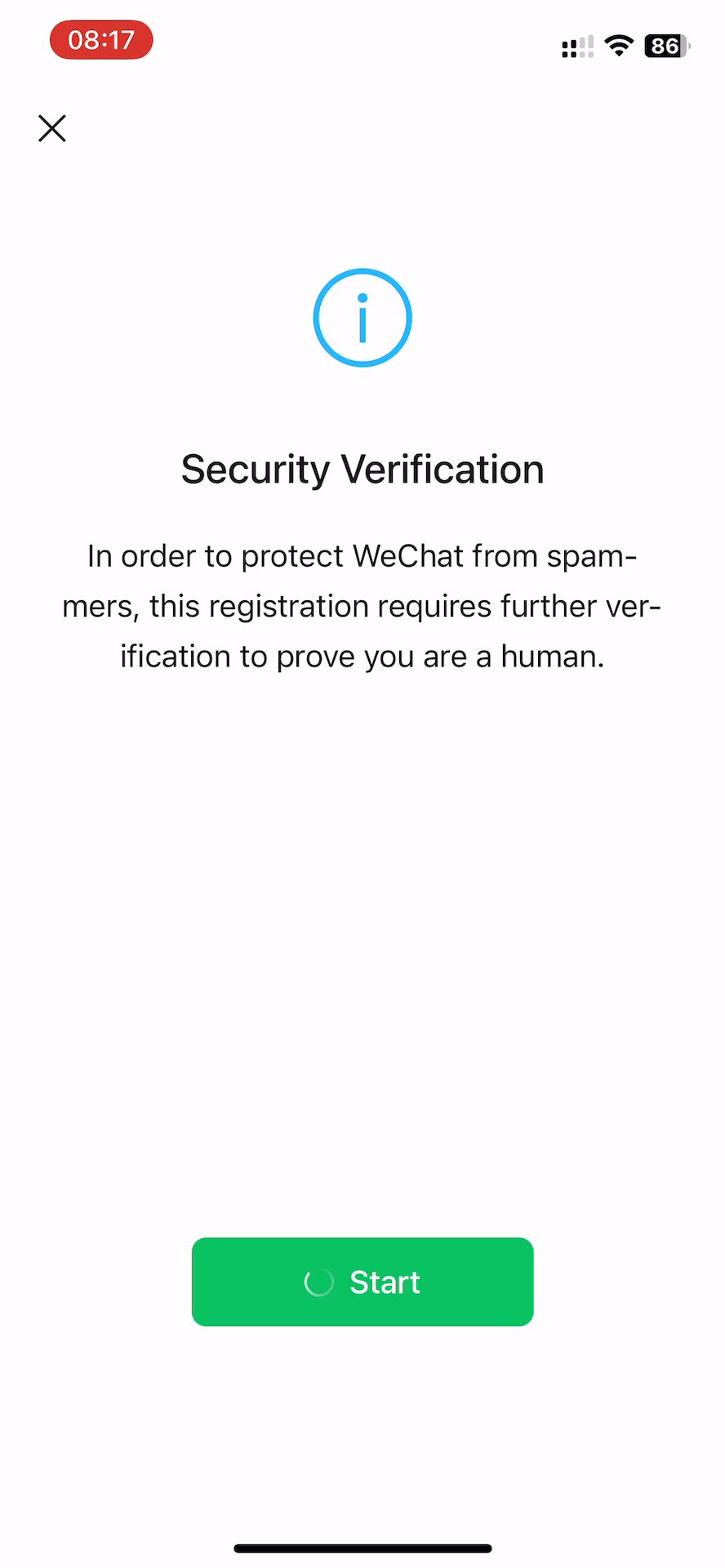
WeChat registration accepts foreign phone numbers, and the verification step (typically an SMS code) is generally reported as easier to complete on your home network before you fly, rather than after landing.

Adding contacts by QR code

QR codes, not phone numbers, are the everyday way people add each other on WeChat in China — each account has its own scannable QR code. Get comfortable finding and sharing yours before you need it in person.

Moments (social feed)

WeChat Moments functions like a private social feed shared with your contacts — useful context if colleagues or new contacts mention it, even if you don't plan to post regularly.

Why it matters even if you don't plan to use it much

Many hotels, tour operators, and local contacts in China default to WeChat for day-to-day communication rather than email or SMS. Having an account set up before you arrive removes friction, even for a short trip.

Frequently asked questions

Yes — foreign numbers are accepted, and completing the SMS verification step at home before you fly is generally reported as easier than doing it after you land.

Not usually — QR codes are the everyday way accounts are added. Get familiar with sharing your own QR code before you need it.

It's not mandatory, but many hotels, tour operators, and local contacts default to it for communication rather than email or SMS, so having it set up removes friction even for a short trip.

No — this page is about messaging setup only. See our Alipay vs WeChat Pay comparison and the full payments guide for the payment side.

Related YouChina guides

Last checked:

Keep exploring YouChina Wiki