Alipay
支付宝
Alipay is China's do-everything mobile wallet. Scan to pay in shops, ride metro and buses, book taxis and hotels, order food, and settle bills — all from one blue app, verified with your passport and linked to your home-country card.
Before you install — hard prerequisites
Before you start
- Passport
- Foreign or Chinese phone number
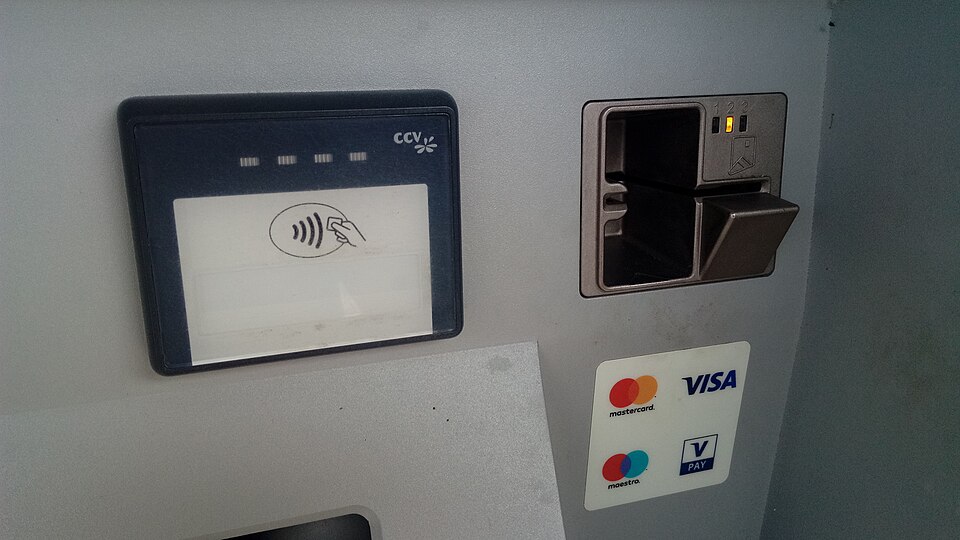
- International card (Visa / Mastercard / …)
- Internet / eSIM or roaming
- Chinese SIM (optional, fuller features)optional
Phone number — by country
Passport — what the app actually checks
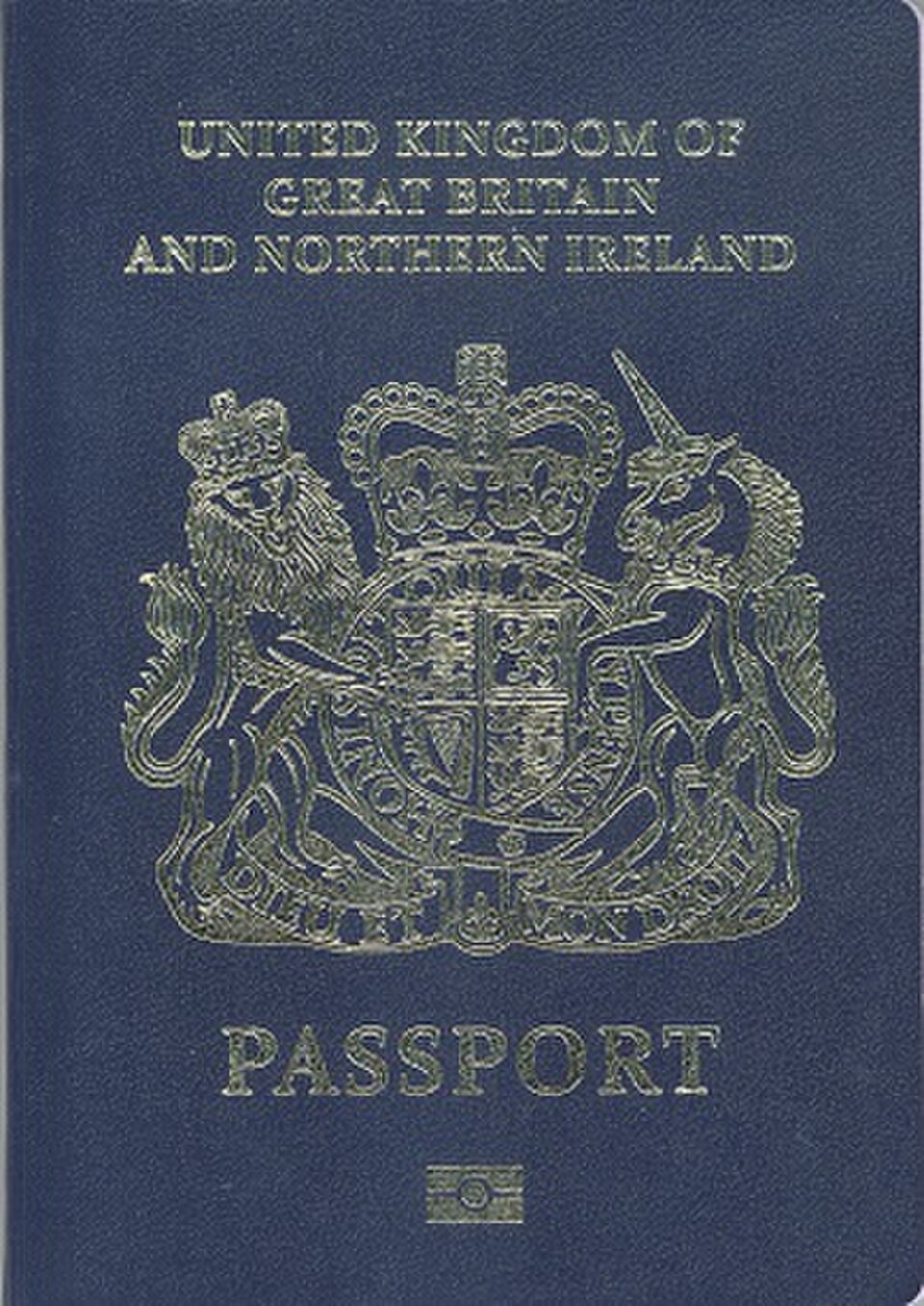
- You need a valid passport with machine-readable zone (MRZ).
- The app takes a photo of the photo page — not a scan or photocopy.
- Requirements reported by travelers: no glare on the photo page, all four corners visible, name in the passport must match the name you enter during registration.
- Passport → verify → face scan. Not all passports pass on the first try — blurry photos, name format mismatches, and non‑Latin characters are the most common rejections.
- Some travelers report verification taking several hours to 2–3 business days; do not leave this to the day of your first payment.
International cards — what works, what gets rejected
Network access
- You need internet at three specific moments: receiving the SMS code during registration, uploading passport + face scan, and receiving payment confirmations.
- eSIM / roaming both work; offline registration is not possible.
- Chinese‑only Wi‑Fi networks (hotels, airports) sometimes block Google services the app may call — if verification hangs, switch to mobile data.
Country‑specific restrictions
03-evidence/conflicts.md for open questions.Step-by-step setup
Before you fly — checklist
- Download the official blue-icon Alipay (intl / English version)
- Complete passport + selfie eKYC before you fly
- Link your foreign card; call your bank to whitelist the first charge
- Turn on Face ID / fingerprint for payments
- Open Transport if you will ride metro / bus
Install the real Alipay before you fly.
- iOS: App Store → search "Alipay" → tap the blue icon. Avoid any "Alipay (China)" clone or look-alike wallet.
- Android: Google Play or Huawei AppGallery → search "Alipay".
- Opens in Chinese? Me → Settings → Language → English (or switch to "International Version").
Use a phone number that can receive SMS — a +86 number works too, but it is not required.
- Tap Sign Up → pick country code → enter number → SMS code → set password.
- Unverified accounts get lower spending limits.
- No SMS? Switch to mobile data and retry — see Troubleshooting.
You need a valid passport with a machine-readable zone; the app scans the photo page and asks for a live face check.
- Me → Settings → Account & Security → Identity Verification.
- Upload the passport photo page, then do the live face scan.
- Takes minutes to 2–3 business days — verify before you need to pay.
Link a Visa, Mastercard, JCB, Discover or Amex card — no Chinese bank card is needed.
- Me → Bank Cards → Add Card.
- Enter number, expiry, CVV. A ¥0–¥1 check posts and reverses.
- Bank blocked it? Call your issuer, say you are in China, then retry.
Me → Payment Settings → set your card as default.
- Turn on fingerprint / Face ID in Settings → Security.
- Add WeChat Pay as backup if Alipay is down.
Costs & limits
Daily use — real scenarios
At a restaurant or shop
Scan the merchant's QR, or show your Pay code to the cashier. Both ways work.
- Street stalls: the QR is usually printed on the counter or handed to you on a card.
- ¥200+ on foreign cards: ~3% service fee. Under ¥200: usually free. Your bank may add FX on top.
On public transit
Open Transport → pick your city → scan the gate QR.
- Switching cities takes about 30 seconds — each city has its own QR.
- Some metro gates only take the local mini-program QR. Look for the city icon.
At a hotel
The hotel pre-authorises a deposit on your card — not a charge, just a temporary hold.
- Released at checkout, but may show as pending for 3–7 business days.
- Hold too high? Ask the front desk about a cash deposit instead.
Tax refund at the store
At participating stores, scan the tax-refund QR after paying — the refund lands in your Alipay wallet right away.
- Keep the paper receipt and your passport — the tax counter may ask for both.
Returning an item
Go back to the same shop; the merchant reverses it in Alipay.
- Refunds to international cards take 5–15 business days.
After your trip
Keep the app and linked card active — it works on your next visit.
- Used TourCard? Any leftover balance auto-refunds when the card expires.
Troubleshooting — common problems and what to do
Common problems foreign visitors may run into
"I didn't receive the SMS verification code"
"My passport verification keeps failing"
"Payment declined at a shop or restaurant"
"The merchant says foreign cards are not supported"
"My account was suddenly frozen"
"The app opened in Chinese — I cannot read anything"
"I see an unexpected charge from Alipay on my bank statement"
"My bank blocked the first Alipay payment as fraud"
"I was overcharged — the amount on my receipt does not match"
Need to talk to a real person?
- Screenshot of the error message (keep the Chinese text).
- Bank SMS confirmations.
- Transaction IDs from your payment history.
Your backup plan
If one app fails, pay with the other. Together they cover nearly every shop, restaurant, metro gate and taxi in mainland China.
some cash (RMB) and your physical bank or credit card as a last resort.
Frequently asked questions about Alipay
Are there fees for using Alipay with a foreign card?
What are the spending limits?
What can I NOT do with a foreign‑linked card?
Is Alipay safe to use?
Can I register without a Chinese phone number?
Do I need a Chinese bank account?
Can I use tax refund to get money back into Alipay?
What happens if I have money left on my TourCard when I leave?
Sources
- Foreign phone + intl card binding allowed · gov culture portal
- Transit QR after verification · MOFCOM
- Account freeze (individual reports); WeChat Pay backup
- Verification can take hours to days; first charge often blocked by issuer
- Reference fee data (WeChat intl‑card fee)
- 4‑step setup + supported cards + overseas phone OK · Guangzhou gov
- Daily consumption only; no P2P/red packets; small vendors may reject foreign cards
- English UI switchable; international version exists
- Passport + face verification required for full limits · + guides
- ~3% fee for foreign cards over ¥200 (guide source); FX fees from issuer
- TourCard prepaid option supports Visa/MC/JCB/Diners
- Tax refund can land in Alipay at participating cities · tax bureau
- Spending limits vary; no single official figure
- Official app store download; blue icon only
- Standard biometric/password security
- In‑app support route (Me → Customer Service) · + guides